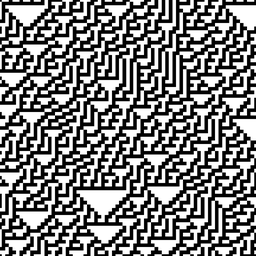
 AutomataPlay
A pattern built one row at a time, from a rule you can edit by hand.
AutomataPlay is an iOS app for exploring elementary cellular automata — the same simple system that turns eight on/off decisions into everything from plain stripes to the chaos of Rule 30.
Every pattern is built row by row
The app looks at three cells — a cell and its two neighbors — and uses the current rule to decide whether the cell below turns on or off. Repeat that across a whole row, and simple rules produce everything from plain stripes to intricate, unpredictable patterns.
Eight blocks like this one fully describe a rule. Tap any block in the app to flip it, and you've invented your own.
What you can do
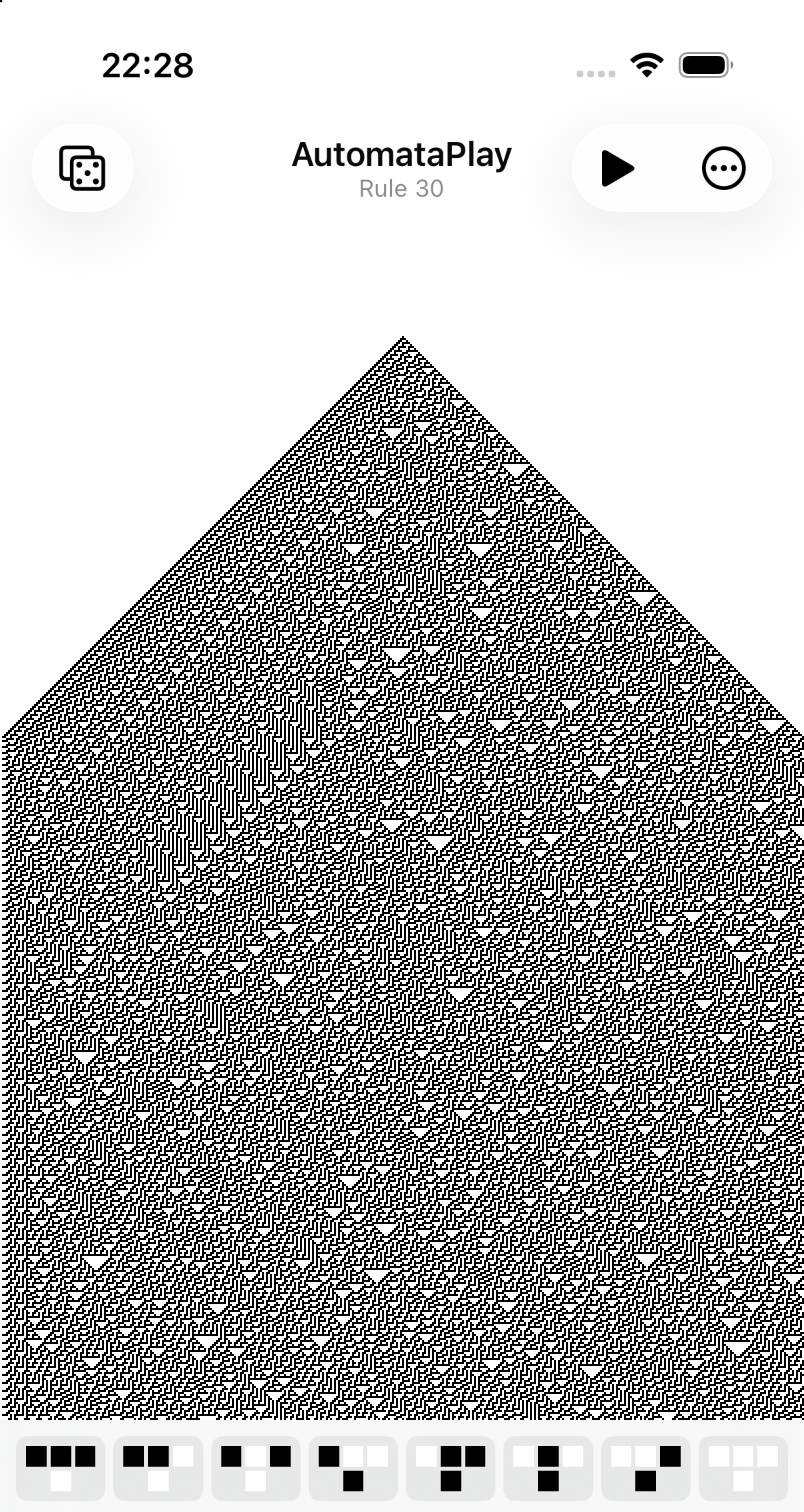
This is Rule 30 on an actual iPhone — not a mockup. The same pattern that shows up in mollusc shells and was once used as Mathematica's random number generator, rendered from a rule you could write on an index card.
Edit the rule strip
Tap any of the eight neighborhood blocks to flip it on or off. The pattern regenerates immediately.
Browse all 256 rules
Jump straight to any classic rule by number, each shown with a live preview, or pick one at random.
Play it forward
Animate the automaton one row at a time and watch the pattern scroll upward as it's computed.
Make it yours
Choose your own on/off colors, cell size, and starting pattern.
Share what you find
Save or send any pattern as an image straight from the share sheet.
Read in seven languages
English, Portuguese, Spanish, French, German, Japanese, and Chinese (Simplified & Traditional).